Getting Started
What is Upsyte?
Upsyte is the smart page you share when someone should be able to find you in one tap. Use it as a focused link-in-bio, or as a fuller page for a creator, business, service, shop, or restaurant.
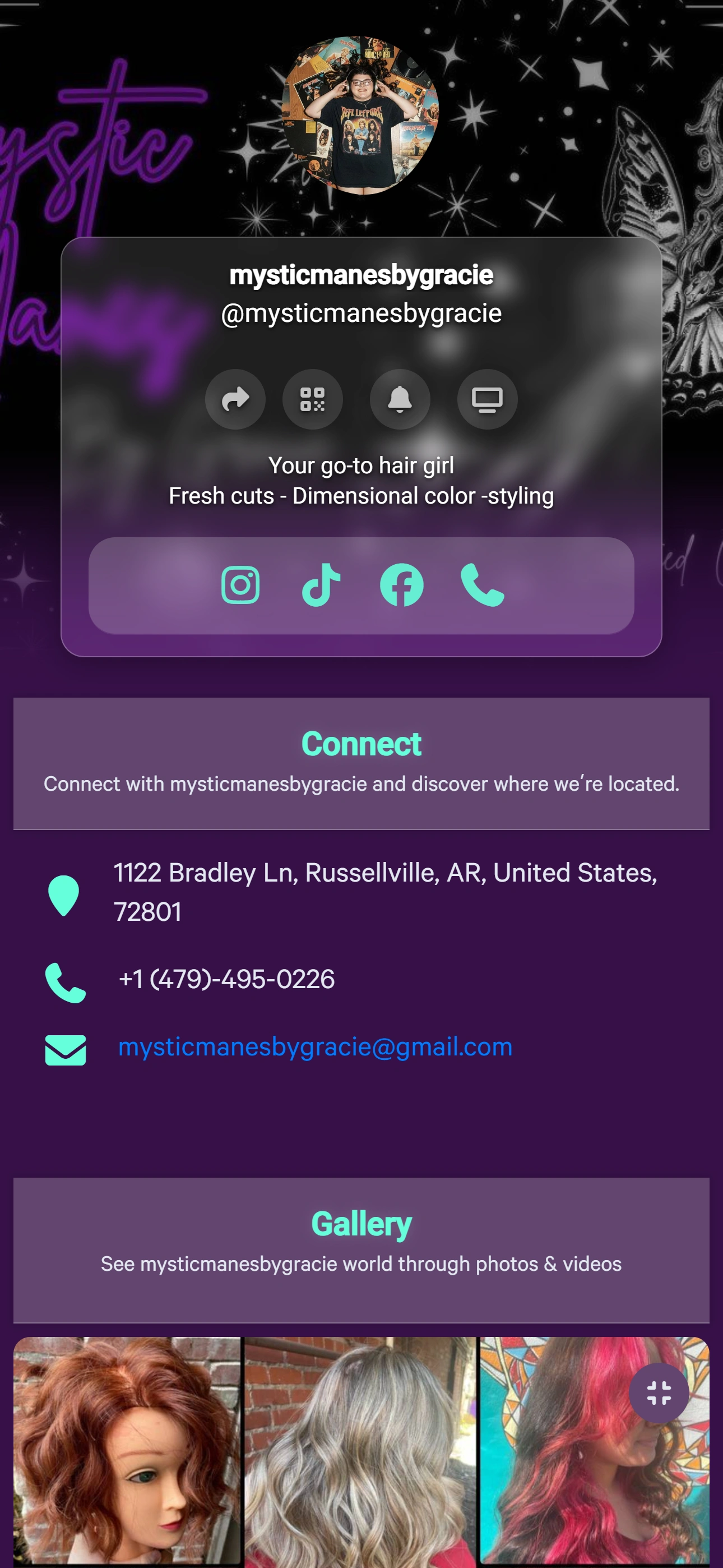
What you can put on it
- Profile and cover, with your name and a short bio.
- Links to websites, social profiles, email, phone, and SMS.
- Highlights for products, offers, videos, or services. Layout can be tiles or cards.
- A photo gallery and one text block for an announcement or story.
- Contact details, plus a separate Delivery Links section for apps such as restaurant delivery.
- A countdown, a subscriber signup, and a Spin & Win wheel.
- Cizeex listings and Synex articles, when those sections are turned on.
- A contact form for quotes, booking requests, custom orders, or questions.
- Reviews visitors submit. They stay hidden until you approve them in Analytics.
How people open it
After you publish, the public page is https://cizeex.com/@your-name. The same page is also at https://cizeex.com/upsyte/your-name. Published pages can be browsed on Upsyte Discover. An unpublished page stays off Discover.
Sharing
- Copy the public link for a bio, a message, or an email.
- Once a QR code exists, the owner can download or share it from the page. Visitors do not see that QR block.
- Display mode, at /upsyte/your-name/display, is a kiosk view with the hero, links, gallery, and QR.
- A connected custom domain can serve the published Upsyte on that hostname. The editor does not include a self-serve domain form. Paid plans are what the product describes as unlocking custom domains.
What it is not
Upsyte is not only a stack of buttons, and it is not a separate website builder. Articles on the page are Synex articles. There is no built-in appointment calendar that holds open times and confirms a slot. Turn on Allow contact forms and visitors can send a booking request, quote, custom order, or question. Those requests show up in Analytics under Leads. A Calendar or Calendly item in Links is only a link to a scheduling page you already use. Countdown highlights a date. It does not take bookings.