Synex
How to use a digital portfolio creator effectively
Why Your Digital Portfolio Matters in 2026
Hiring managers spend an average of seven seconds scanning your application before deciding whether you're worth a deeper look. Your resume alone won't cut it anymore. A digital portfolio creator lets you showcase actual project results, not just bullet points claiming you have skills. According to recent industry data, 56% of creative professionals who use portfolios report landing freelance work faster than those relying solely on traditional resumes.
Here's the friction point - building a portfolio that works across devices while staying accessible and discoverable takes real effort. You need mobile friendly layouts, clean graphic design, and smart SEO optimization so people actually find your work. That's where platforms like Cizeex come in, offering user-friendly interfaces that handle the technical heavy lifting while you focus on presenting your creative style and portfolio examples that convert browsers into clients.
How to Create a Good Digital Portfolio?
Building a digital creator portfolio requires strategic planning, not just uploading random files to a webpage. Follow these foundational steps to create a portfolio that actually converts viewers into clients or employers.
Step 1: Define Your Target Audience and Goals
Start by identifying who you're trying to reach. A portfolio targeting graphic design agencies needs different portfolio examples than one aimed at freelance work clients. Write down your specific career goals before choosing a single platform.
Step 2: Select 5-8 High-Impact Projects
Quality beats quantity every time. Choose projects that demonstrate measurable results and showcase your creative style. Include case studies that explain your process, not just pretty screenshots.
Step 3: Ensure Mobile Friendly Design
Over 60% of portfolio views happen on smartphones. Test your layout across devices before publishing. Cizeex offers responsive Upsyte page builders that automatically adapt to screen sizes, eliminating the technical friction most creators face when coding from scratch.
Step 4: Optimize for Discoverability
Add descriptive titles, alt text for images, and relevant keywords to each project. Search engines can't index your work if you don't label it properly. Explore Upsyte portfolios to see how successful creators structure their content for maximum visibility.
What Are the 7 Rules for Creating a Professional Portfolio Site?
Creating a portfolio site that converts requires following proven design principles. Research shows 94% of first impressions stem from web design and interface choices, making these rules essential for job hunting success.
Keep Navigation Simple and Intuitive - Limit your main menu to 3-5 clear options. Visitors should reach any project within two clicks maximum.
Establish Consistent Branding - Use the same color palette, typography, and visual style across every page. Your portfolio is itself a demonstration of your graphic design judgment.
Prioritize Mobile Friendly Layouts - Test your website layout on smartphones and tablets before launch. Over 60% of portfolio traffic comes from mobile devices, and clunky mobile experiences kill opportunities instantly.
Showcase Project Results, Not Just Processes - Include specific metrics and outcomes. "Increased conversion by 34%" beats vague descriptions every time.
Optimize Load Speed - Compress images and minimize code bloat. Hiring managers won't wait five seconds for your homepage to render.
Make Contact Information Obvious - Place your email and personalized Upsyte pages link in the header and footer. Hidden contact forms frustrate potential clients looking for freelance work.
Ensure Accessibility Compliance - Add alt text to images, maintain sufficient color contrast, and enable keyboard navigation. Accessible sites rank better and reach wider audiences.
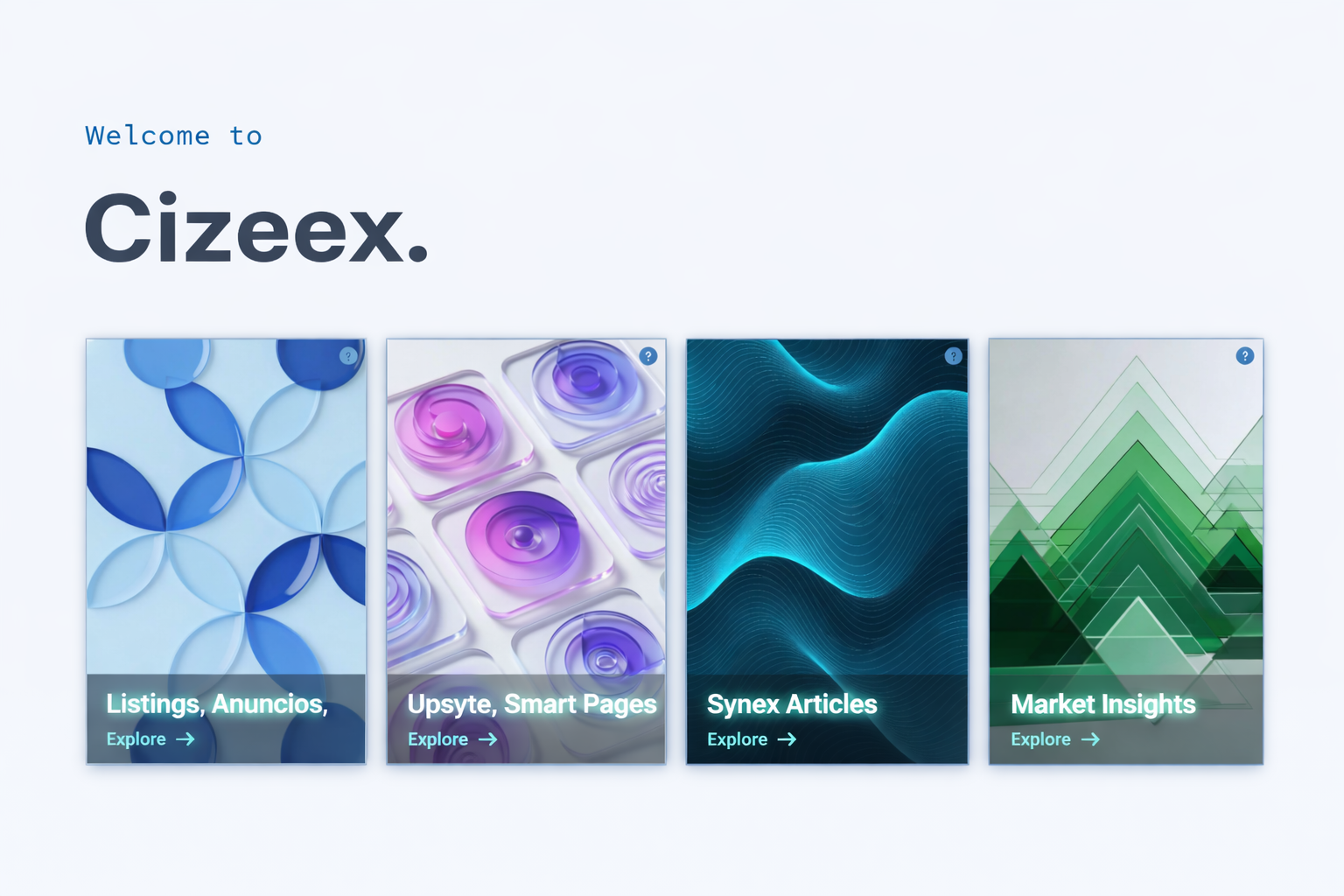
Cizeex streamlines this entire process with its smart Upsyte builder, handling responsive design and technical optimization automatically while you focus on curating compelling portfolio examples.
How to Use an E-Portfolio Effectively
Strategic deployment separates portfolios that generate opportunities from digital filing cabinets nobody opens. Start by customizing your portfolio for each application instead of sending the same link to every opportunity. Tailor your featured projects to match the specific role or client brief, highlighting relevant portfolio examples that demonstrate you understand their needs.
For job hunting, integrate your portfolio with your linkedin profile by adding the URL to your headline and featured section. Research shows 71% of recruiters review candidates' online work before scheduling interviews, making this connection critical. Include specific project results with measurable outcomes - "redesigned checkout flow that increased conversions by 28%" outperforms vague creative descriptions.
Freelance work demands a different approach. Lead with your strongest graphic design samples and case studies that prove ROI. Update your portfolio monthly with fresh projects to signal active availability. Test mobile friendly performance regularly since clients often browse portfolios during commutes or between meetings.
|
Portfolio Type Primary Focus Update Frequency Job Hunting Targeted project selection matching role requirements Per application Freelance Work Case studies with measurable client results Monthly minimum Career Transition Skills overlap demonstrations and learning projects Bi-weekly during transition |
|---|
Cizeex simplifies strategic portfolio management through its Upsyte builder, letting you create multiple portfolio versions optimized for different audiences without rebuilding from scratch each time.
What Are Common Portfolio Mistakes?
The biggest portfolio killer? Cramming every project you've ever touched into one endless scroll. A graphic designer recently showed me their site with 47 projects - none stood out because everything competed for attention. Recruiters don't have patience for digital hoarding.
Ignoring mobile friendly design ranks second. Over 65% of portfolio views happen on smartphones, yet creators still optimize exclusively for desktop. Your stunning layout means nothing when buttons overlap and images break on a phone screen. Test across devices before going live.
Poor project results documentation undermines credibility fast. Writing "created marketing materials" tells hiring managers nothing. Quantify your impact instead: "designed email campaign that boosted click-through rates by 41%." Numbers prove competence where vague descriptions fail.
Skipping accessibility features limits your reach and search visibility. Missing alt text, insufficient color contrast, and keyboard navigation gaps hurt both discoverability and compliance. When you build your Upsyte page , accessibility features integrate automatically, removing technical barriers that trip up most creators building from scratch.
The fix? Curate ruthlessly, test relentlessly, and let portfolio examples speak through concrete outcomes rather than creative adjectives.
Measuring Portfolio Performance with Analytics
Tracking how visitors interact with your portfolio transforms guesswork into strategy. Analytics reveal which projects grab attention and which get skipped, letting you optimize what actually converts viewers into job offers or freelance work opportunities.
Monitor Key Performance Indicators (KPIs) - Track page views, time on page, and bounce rates for each project. Data shows websites increasing visitor engagement saw conversion rates rise 5.4% in 2025. Focus on projects where visitors spend over 90 seconds.
Analyze Traffic Sources - Identify whether visitors arrive from job hunting platforms, social media, or direct searches. This tells you where to concentrate your digital marketing efforts and which channels deliver qualified leads.
Test Mobile Friendly Performance - Mobile bounce rates average 49.1% compared to desktop's 47.3%. If your mobile metrics lag significantly, responsive design issues are costing you opportunities.
Measure Project Results Impact - Compare engagement on projects with quantified outcomes versus those without. Portfolio examples featuring concrete metrics typically retain viewers longer, validating the importance of data-driven case studies.
Cizeex provides built-in Market Insights analytics that help you understand audience behavior without wrestling with complex tracking platforms, letting you refine your portfolio based on actual visitor patterns rather than assumptions.
Launch Your Portfolio Today
Building an effective digital portfolio creator strategy comes down to three core principles: showcase measurable project results, optimize for mobile friendly viewing across all devices, and make your work discoverable through smart SEO practices. Skip the common mistakes of overcrowding pages or ignoring accessibility features. Instead, curate 5-8 high-impact portfolio examples that demonstrate your creative style and prove your value to potential employers or freelance work clients.
Cizeex gives you the platform to build professional portfolios without wrestling with technical complexities. Start creating your personalized Upsyte page today at https://cizeex.com/ and transform your job hunting approach with a portfolio that actually converts.
Related Reads
How to create a digital portfolio that gets you hired
Best practices: 10 tips for curating your digital portfolio
How to design a digital portfolio
18 Digital Portfolio Examples & a Guide for Yours
Get the next story before it trends
Join Cizeex free to react, comment, and catch new stories first, or get the Cizeex app.
Join Cizeex free